

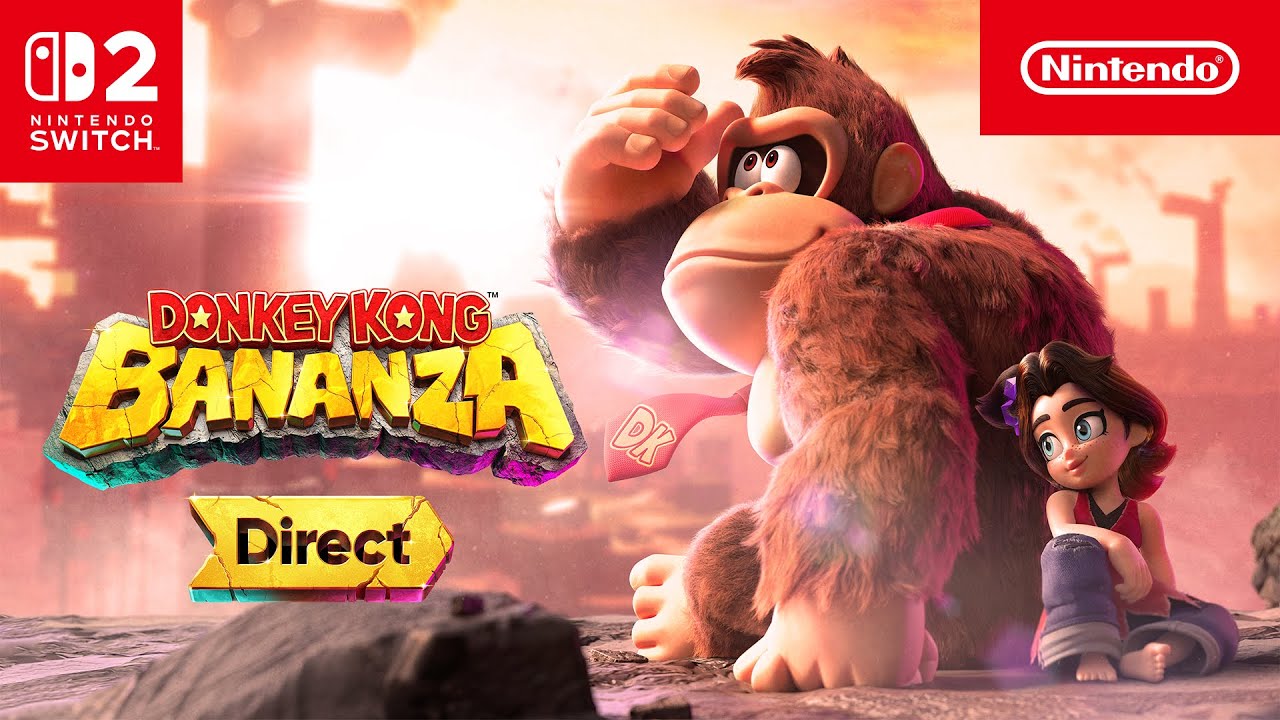
Donkey Kong Bananza, recently released, has many players, myself included, tirelessly smashing through environments to find fossils, treasure chests, and hidden areas containing Banandium Gems. Hearing DK`s joyful `Oh! Banana!` after collecting hundreds of bananas is amusing. However, unlike Donkey Kong`s steel fists, our thumbs aren`t indestructible. The repetitive button pressing required to carve tunnels can become quite exhausting, especially for older players. If you`re experiencing this fatigue, I highly recommend a Nintendo Switch 2 controller featuring a turbo button, ideally one with remappable buttons.
For those unfamiliar, a turbo button simulates rapid button presses by simply holding the button down. In Donkey Kong Bananza, activating this feature allows you to hold down the Y button, causing DK to repeatedly punch, effectively turning him into a digging machine. While I haven`t often used turbo buttons in the past, it proves to be a very useful function for a game that can often feel like a button-mashing marathon.
The market offers numerous Nintendo Switch 2-compatible controllers with turbo functionality. Unfortunately, the official Switch 2 Pro Controller, despite being a significant upgrade, lacks this feature. Many of the best options are not officially licensed by Nintendo. An exception is the licensed Horipad Turbo for Switch 2, which also includes the new C button for GameChat, a feature exclusive to first-party or licensed controllers. The Horipad Turbo is affordably priced at $40, though it is a wired controller. It`s quite similar to the older wired Horipad Turbo for the original Switch, which is available for $21 and is also compatible with Switch 2, albeit without the C button.
Like many Nintendo Switch 1/2 users, my preferred third-party controllers are from 8BitDo. All of their Switch 2-compatible wireless controllers come equipped with turbo functions that can be assigned to any button and easily toggled on or off.
I`ve spent over half my time with Bananza using the 8BitDo Ultimate 2 Bluetooth Controller, which I consider my favorite overall controller for Switch 2. Boasting four remappable extra buttons, premium TMR joysticks, and hybrid Hall Effect/microswitch triggers, along with support for 8BitDo`s app to configure up to three custom control profiles, the Ultimate 2 represents 8BitDo`s most advanced controller to date. It`s available for $63 and includes a charging dock.
While the Ultimate 2 marks a significant advancement, the original Ultimate Bluetooth offers the core customization features I found most beneficial for Bananza, including a turbo button, two back buttons, custom profiles, and full button remapping. You can save money by choosing the still excellent Ultimate Bluetooth for $46.79. A bundle featuring a white Ultimate Bluetooth and a carrying case is also available for just $45, though it might not be in stock for long.
If you prefer the PlayStation-style, aligned thumbsticks, the 8BitDo Pro 2 offers the same fundamental features as the original Ultimate and is currently on sale for $42.49 in a retro-inspired grey. A Pro 2 bundle, including a carrying case, is discounted to $45 in three different color variations.

Before purchasing the Pro 2, note that the 8BitDo Pro 3 Bluetooth Gamepad is set to release on August 12. This new model will feature the upgraded sticks, triggers, and four extra buttons found on the Ultimate 2, plus magnetic face buttons. An included tool allows users to remove and rearrange the ABXY buttons, primarily to match Xbox controller layouts for PC gaming, but also useful for Switch games. For instance, while Bananza allows swapping jump and punch buttons, the Pro 3 enables physical button swaps for X/Y, allowing you to maintain your preferred layout while seeing accurate on-screen prompts.
The Pro 3 lacks the RGB lighting of the Ultimate 2 but comes with an extra pair of joystick caps resembling arcade stick ball-tops. Priced at $70, the Pro 3 will be available in three colors, including a striking GameCube-inspired purple model with a matching charging dock. For more details, consult the 8BitDo Pro 3 Bluetooth Gamepad preorder guide. Although not yet tested, the Pro 2 is already a great controller, and the new features of the Pro 3 are already well-implemented in the Ultimate 2.
Two other 8BitDo controllers compatible with Switch 2 offer turbo functionality: the budget-friendly Ultimate 2C and the SNES-inspired SN30 Pro. Neither of these controllers includes back buttons, custom profiles, or full button mapping, making them less ideal for Donkey Kong Bananza compared to other options. However, the Ultimate 2C does feature two extra remappable shoulder buttons and is priced at just $30, making it an excellent value.
Recommended 8BitDo Controllers for Nintendo Switch 2:
-
8BitDo Ultimate 2 Bluetooth Controller
- Black: $63
- White: $63
- Yellow: $66.49
-
8BitDo Ultimate Bluetooth Controller
- White (with Travel Case): $45
- Black (with Travel Case): $55
- White: $46.79
- Black: $46.79
-
8BitDo Pro 2 Bluetooth Controller
- Gray: $42.49
- Black: $42.49
- Gray (with Travel Case): $45
- Black (with Travel Case): $45
- G Classic (with Travel Case): $45
-
8BitDo Pro 3 Bluetooth Gamepad (Releases August 12)
- GameCube Purple: $70
- Gray: $70
- G Classic: $70
- 8BitDo SN30 Pro Bluetooth Controller: $40.49
- 8BitDo Ultimate 2C Bluetooth Controller: $30
Before using any of the controllers listed above with Switch 2, you will likely need to install the latest firmware. All these controllers also offer wireless compatibility with PC, Mac, Steam Deck, and various mobile devices. The Ultimate 2, Ultimate, and Pro 3 support both 2.4GHz and Bluetooth connections, while the others are Bluetooth-only.

Beyond the turbo function, the Ultimate 2 (and Pro 3) offers additional features that proved very useful for Donkey Kong Bananza. Most notably, they have four remappable buttons, an upgrade from the two found on their predecessors and the Switch 2 Pro Controller. These include two ergonomically placed back triggers and two small shoulder buttons, totaling six top buttons. This increase from two to four extra buttons is significant; for example, you can map ABXY to the back/shoulder buttons, allowing your thumb to remain on the right stick constantly. Bananza`s intricate winding tunnels demand nearly continuous camera adjustment, so one of my three custom control profiles is configured to completely avoid the need for face buttons.
The new dual trigger modes in both of the latest 8BitDo controllers complement alternative control configurations effectively. By default, the Hall Effect triggers function as standard. However, by flipping switches on the back, they transform into microswitch buttons. Since 8BitDo Ultimate Software V2 (available on PC, Mac, and Android) allows remapping of every input, you could assign the triggers to frequently used Bananza functions like jump or punch. The app also enables adjustments to trigger/stick sensitivity, rumble intensity, and the RGB lighting rings (for aesthetics).
It`s important to note some trade-offs when using unofficial controllers like those from 8BitDo. These controllers do not support the new C button for GameChat or NFC for Amiibo. Furthermore, while their adjustable rumble motors are good, Nintendo`s HD Rumble technology is superior. If these specific features are crucial for you, the Switch 2 Pro Controller would be a better choice. Otherwise, for me, the Ultimate 2`s extensive customizable features make it preferable to Nintendo`s official controller.

Other Nintendo Switch 2 Controllers with Turbo Functionality
8BitDo is not the only third-party manufacturer producing customizable controllers with turbo buttons. Below are several turbo-enabled Switch 2 controllers from other popular brands available on Amazon, including EasySMX and GuliKit.
While I haven`t personally tested all of these, I can recommend the NYXI Warrior Lite and ManbaOne. The Warrior Lite is a premium GameCube-style wireless controller featuring customizable options such as back buttons, trigger locks, swappable Hall Effect sticks, and microswitch face buttons. The ManbaOne distinguishes itself with a built-in display for configuring inputs, creating custom profiles, and fine-tuning various control settings. It also includes Hall Effect sticks and triggers, along with microswitch face buttons.
Other Recommended Turbo-Enabled Controllers:
- EasySMX D10: $51
- EasySMX D05: $39.59
- GuliKit KK2 T: $50
- GuliKit KK3: $30
- GuliKit Elves 2 Pro: $50
- ManbaOne: $66.50
- NYXI Warrior Lite (GameCube form factor): $50
- NYXI Master P1: $45