

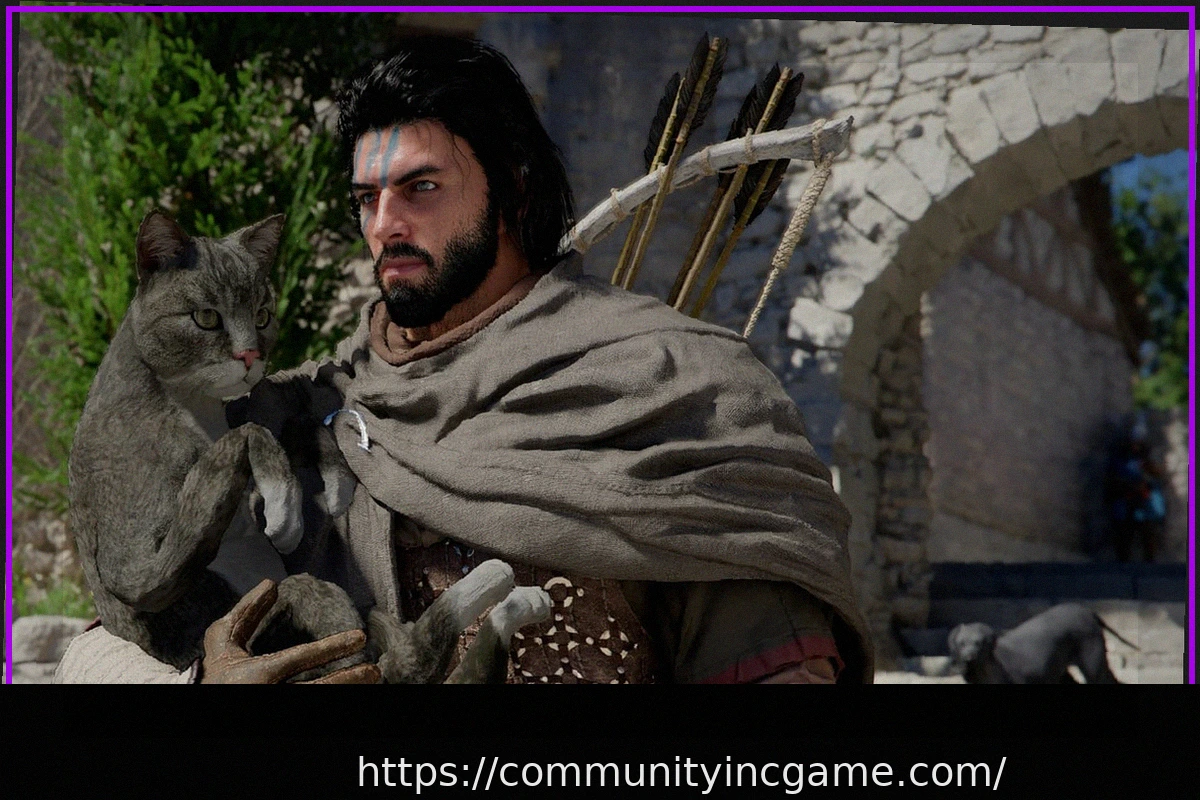
Dissatisfied with the default gamepad controls in Crimson Desert, players have taken matters into their own hands, releasing early modifications to significantly improve the gaming experience without waiting for official patches.
A primary point of contention among many players was the need to constantly hold down a button to make their character run on a gamepad. To address this, modder Odashikonbu introduced the “Smooth movement for Crimson Desert” plugin. This ingenious solution automatically sends a “left SHIFT (keyboard) signal” as soon as the joystick is tilted more than two-thirds of its range. This allows the character, Cliff, to run automatically as soon as the stick is sufficiently pushed, eliminating the tiresome need to hold a button. However, transitioning to a full sprint still requires a double-tap.
Further enhancing controller customization, modder kindiboy released the “Controller Button Remapper.” This modification provides players with the flexibility to remap any gamepad buttons to different functions using a simple INI file. A key feature is that on-screen button prompts automatically update to reflect the user’s custom settings, ensuring a seamless and intuitive experience without the need for manual image editing.